Spatial Data Tools Compared: GeoServer & GISBox Capabilities
In today’s rapidly evolving Geographic Information System (GIS) technology landscape, choosing the right tool is crucial for project efficiency and deliverable quality. GeoServer, a representative of traditional GIS servers, differs significantly from the emerging all-in-one tool GISBox in practical applications. This article will delve into the core characteristics and applicable scenarios of both tools from the perspectives of installation and deployment, feature integration, service capabilities, and scenario adaptation, providing a reference for users with different needs.
I. Installation and Deployment: A Battle Between Zero Barriers and High Complexity
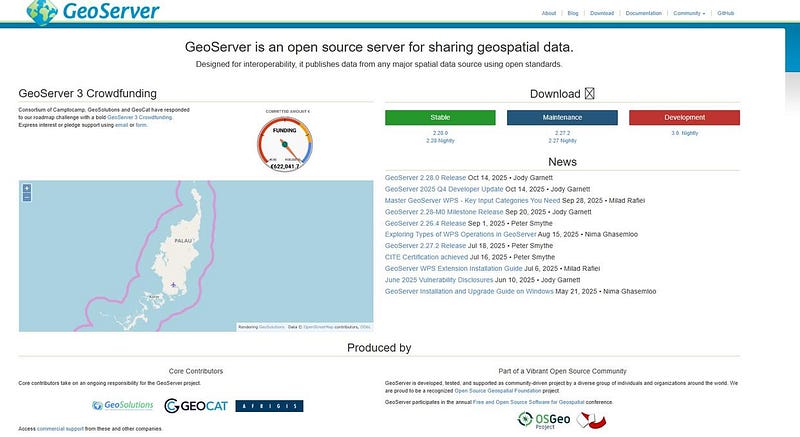
Installing GeoServer can be a “disappointing experience”: it requires pre-matching JDK 1.8/11 and precisely configuring environment variables, then deploying the installation package to a Tomcat server. The entire process involves multiple professional steps, with some users experiencing failures even after two days due to port conflicts.
GISBox offers “foolproof deployment”: providing one-click installation packages for Windows, Mac, and Linux platforms. The 200+ MB installation package requires no dependencies, and beginners can complete the entire “download-install-use” process in an average of 3 minutes. This zero-barrier feature allows even non-professional users to quickly get started with GIS work.

II. Functional Integration: One-Stop vs. Fragmented Workflow
GeoServer, as a standalone server software, is essentially a “single-function module”: it relies on external tools for data preprocessing, followed by manual configuration of the workspace, data storage, and layer publishing. Furthermore, it lacks scene editing capabilities, often causing delays in smart city projects due to data format incompatibility.
GISBox, on the other hand, restructures the GIS workflow, deeply integrating three core modules: a desktop editor, a server, and data processing tools. Users can directly perform operations such as oblique photogrammetry model repair and OSGB to 3DTiles format conversion within the software. After processing, there’s no need to switch tools; the software has a built-in free GIS server, allowing for one-click service publishing with no software switching costs throughout the entire process. This closed-loop capability of “scene editing — tile conversion — service distribution” significantly shortens project cycles.
III. Service Capabilities: Multi-Dimensional Publishing vs. Two-Dimensional Limitations
GeoServer focuses on traditional two-dimensional map services, only supporting two-dimensional data publishing via WMS/WFS/WCS protocols, and requiring manual configuration of layer permissions and caching optimization.
GISBox upgrades its service capabilities based on this foundation: it not only fully supports OGC standard protocols but also supports the publishing of 2D/3D data types. The generated service addresses can directly provide data support for digital twin scenarios. Publishing methods are also more flexible: it supports simultaneous publishing during tiling and batch manual publishing.
IV. Scenario Adaptation GeoServer’s advantages are limited to deeply customized 2D scenes, such as large-scale vector data management, but it is powerless in emerging fields such as 3D visualization and digital twins.
GISBox precisely matches current mainstream needs: its 3D scene editing capabilities enable refined operations such as riverbed compression and terrain alignment; its 3DTiles service is directly compatible with 3D engines such as Cesium; its lightweight features are suitable for daily data distribution for small and medium-sized enterprises; and its free policy meets the learning needs of individual developers, making it a broad-spectrum tool covering “beginners-enterprises-professional teams”.
V. Conclusion GeoServer remains the choice for professional teams creating 2D scenes, but GISBox, with its zero-threshold deployment, end-to-end integration, multi-dimensional service capabilities, and broad scenario adaptation, is significantly superior to the traditional tool GeoServer. Whether you are an individual developer, a small or medium-sized enterprise, or a professional team, you can obtain efficient solutions from it, especially in the fields of 3D visualization and digital twins.


评论
发表评论